ClearDiskSee where the space went.
A Mac utility for understanding storage and reviewing System Data, caches and large files.
- My role
- Product design, development & launch
- Built for
- Mac owners running short of storage
- Platform
- Native macOS app
The job to solve.
A full disk is easy to notice and harder to explain. Broad storage categories can leave people unsure what is taking space or which files deserve a closer look.
The approach
ClearDisk makes storage visible before asking someone to act. A storage map and focused cleanup tools support the journey from identifying a large area to reviewing what is inside it.
Take a closer look.
A 21-second visual tour made from real product screenshots. Captioned, with no audio. Press play when you’re ready.
Screen descriptions
- 0:00Find the storage tools
The real ClearDisk website introduces its Mac storage and cleanup tools.
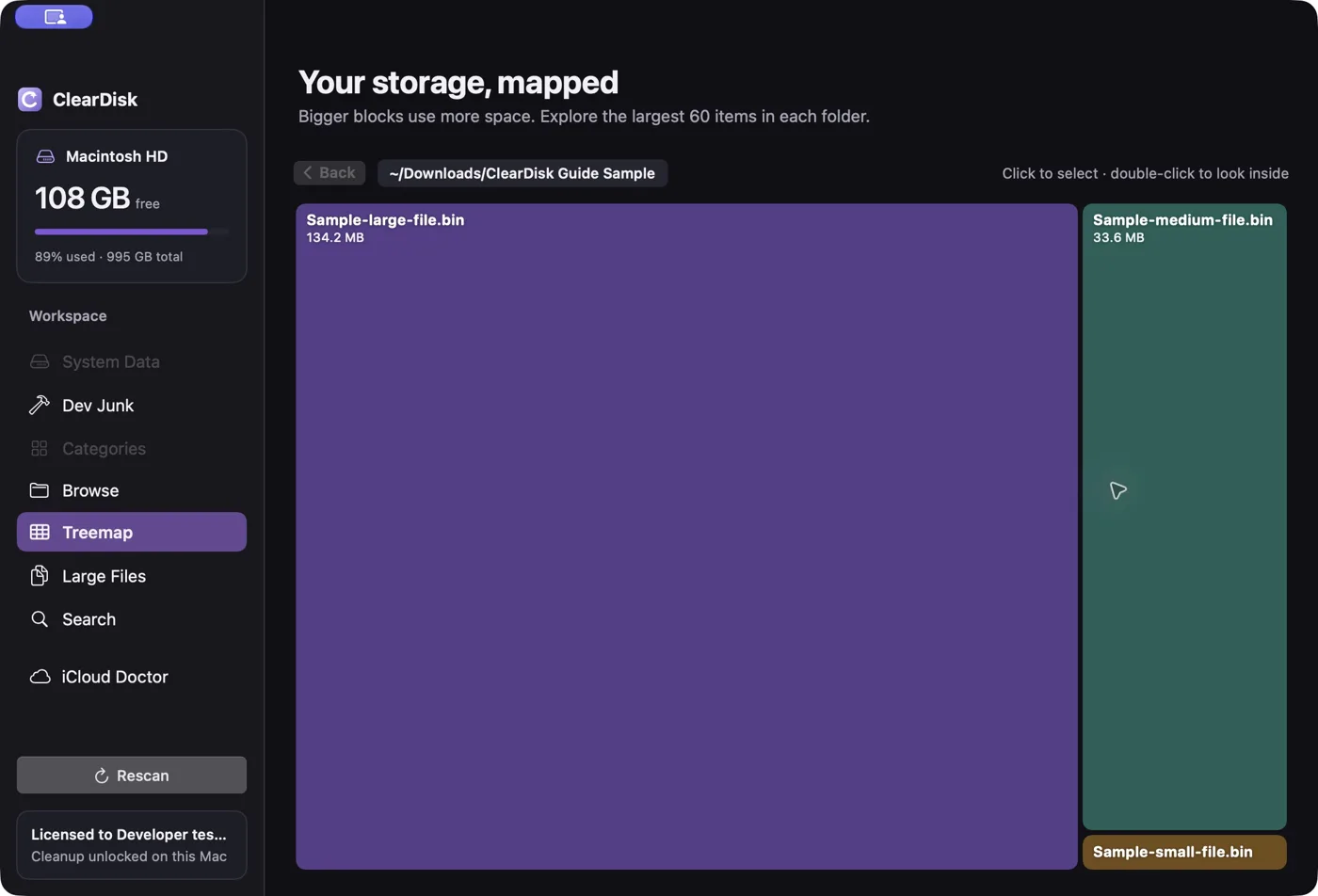
- 0:07Read the storage map
A real application screen shows storage as a map of folders and their relative size.
- 0:14Review before acting
The storage view helps identify areas to investigate; this tour does not perform or simulate a cleanup.
What I built.
A focused desktop utility where information hierarchy and understandable actions are central to the product.
- Understand the disk
- A visual storage map helps locate large folders and see how space is distributed.
- Investigate common culprits
- Dedicated areas cover System Data, caches and large files instead of presenting one unexplained cleanup number.
- Support the decision
- The app and its guides help explain the storage workflow, keeping the user involved in what to review and remove.
Out in the world.
A live product you can visit and explore. The traffic below is a dated snapshot of activity on its domain.
Visit ClearDisk44,340 requests served
Cloudflare · cleardisk.app
30 days ending 30 September 2026.
Requests measure network activity, not unique visitors, customers or revenue.
Have a similar
idea in mind?
Let’s talk about what you want to build.